Weak Wi-Fi at Home? 7 Simple Fixes
Before upgrading your plan, try these fixes; usually the problem is signal coverage, not line speed.
Paying for fast internet but the video still freezes in the bedroom? In most homes the problem is not the line, it is getting the signal from the router to far rooms through thick concrete walls.
1. Move the router to the center
A router in a corner sends half its signal outside. Put it somewhere central and as high as possible.
2. Keep it clear of obstacles
Metal cabinets, mirrors, fish tanks and microwaves weaken the signal. Do not hide the router in a closed cupboard.
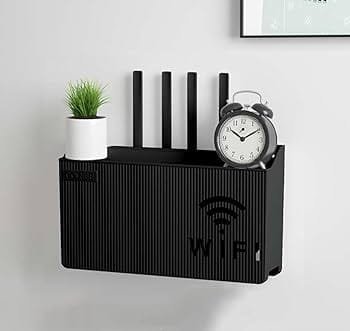
3. Tidy it without blocking it
If the router and cables bother you, use a smart router storage box designed with vents, so the space looks tidy without losing much signal.
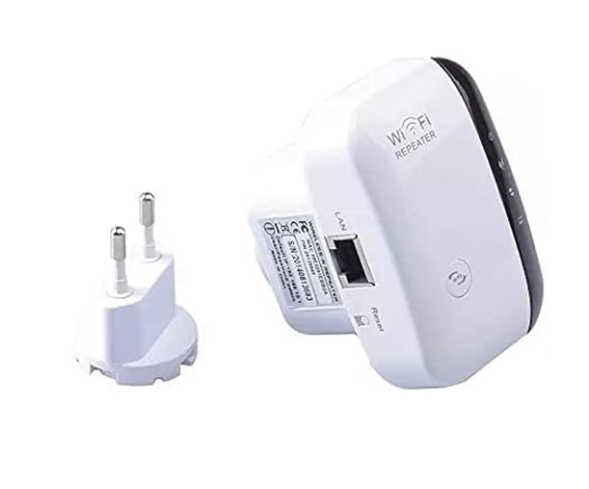
4. Use a signal repeater
A Wi-Fi repeater picks up the signal and rebroadcasts it to far rooms. Place it halfway between the router and the weak room, where the signal is still good.
5. Change the channel
In apartment buildings, neighbors networks overlap. Open the router settings and try a different channel, or use 5GHz for nearby devices.
6. Disconnect unused devices
Devices connected for no reason use part of your speed, especially with automatic updates.
7. Restart regularly
Restarting the router once a week fixes many temporary slowdowns.