Smart Car Screens: How to Choose the Right One
One screen gives you maps, music and calls safely. Here is what to know before buying.
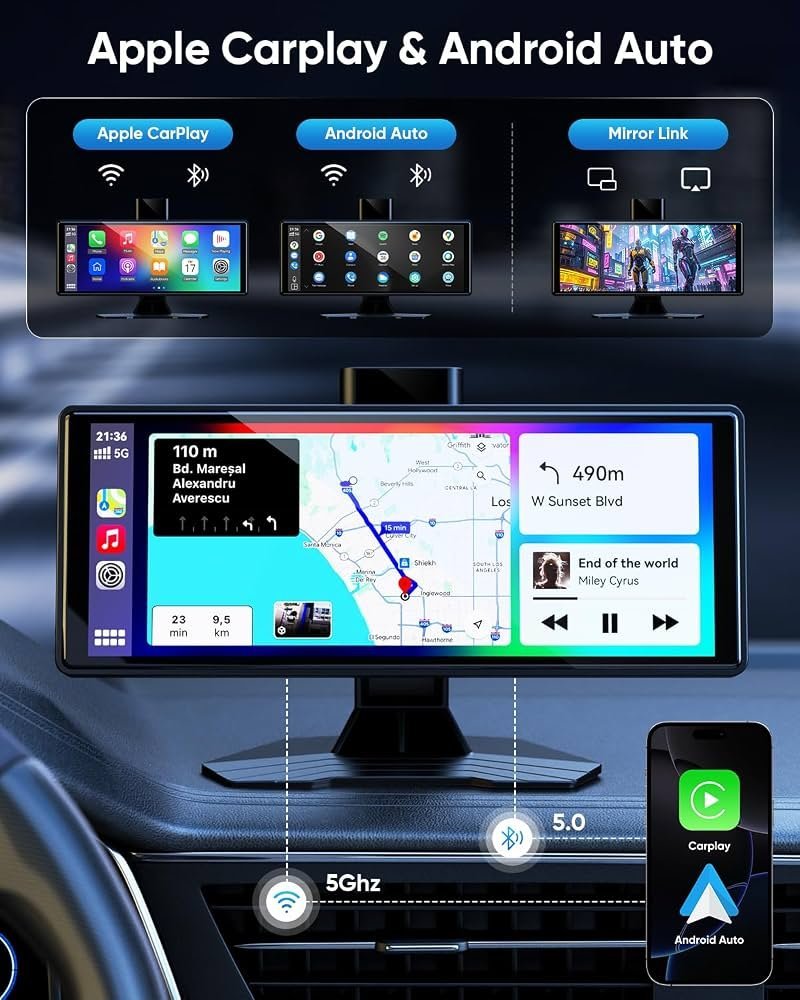
Many cars, especially older models, do not have a modern screen. A portable smart screen is a quick way to add new-car features without replacing the original radio.
What a smart screen gives you
- Maps and navigation apps on a large display.
- Hands-free Bluetooth calls.
- Music and podcasts.
- Rear camera support on some models.
Specs worth checking
Size
Screens between 9 and 10 inches suit most cars: big enough to read at a glance without blocking your view. The 10.26-inch smart car screen is a good example.
CarPlay and Android Auto
Make sure it supports Apple CarPlay and Android Auto, ideally wirelessly so you do not have to plug in your phone every time.
Brightness
Midday sun is strong; choose a bright screen that can be dimmed at night.
Sound
Some screens send sound to the car speakers through AUX or FM, others have a built-in speaker. Check which works for your car.
Installation
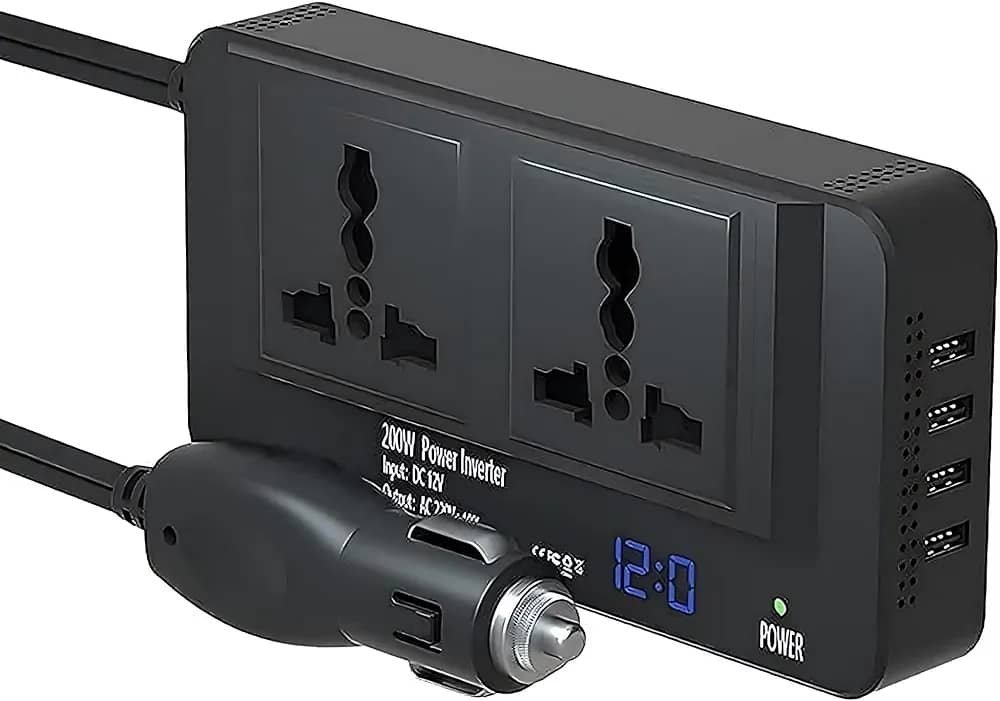
Most portable screens mount on the dashboard or windshield and run from the lighter socket. If you need to power other devices at the same time, a car power inverter adds extra outlets.